
MODULE 04 · STEP 10 · trainable
Skill, Extension, and Pi Package
When you first start extending Pi, these three names are easy to mix up. Each one solves a different problem: a working method, an executable capability, and resource distribution. None of them ranks above another.
| Name | Can be understood as | Good for solving | When a beginner uses it |
|---|---|---|---|
| Skill | A specialized capability package loaded on demand | Provides a description of the workflow, and can also carry scripts, resources, and reference documents | When one kind of task has already been done several times and the method needs to be standardized |
| Extension | An executable capability loaded into Pi | New tools, commands, event handling, interfaces, or custom behavior | When an explanation alone is not enough and you really need code that runs |
| Pi Package | A package for distributing a set of Pi resources | Installs and shares Extensions, Skills, prompt templates, themes, and more all at once | When your combination is already stable and ready to be reused across many projects or by many people |
First decide which category the problem belongs to
If every time you write a tutorial you have to explain all over again “check first whether the reader can verify it themselves”, that is closer to a Skill. Its value lies in a stable working method, and it does not necessarily need new code.
If you want the terminal to show a reminder when a task finishes, you need to watch Pi events and call a system capability. That is closer to an Extension.
If you want to hand a reminder Extension, a companion Skill, prompt templates, and a theme to another computer, that is when a Pi Package starts to make sense.
The order for choosing
- First run it manually on a real task.
- For steps and standards that repeat, tidy them into a Skill.
- If you genuinely lack an executable capability, then develop or install an Extension.
- If you want to distribute to many projects or to other people, then consider a Package.
This order avoids one common problem: the task is not yet stable, but you have already collected many plugins and packages, and in the end you yourself cannot explain which layer is doing the work.
Practice: loading a single teaching Skill
This lesson continues the fictional meeting notes from lesson 5. You will load a Skill that contains only text rules, so that Pi checks the action list against fixed fields. This Skill does not add system permissions, but the description inside it can still influence the Agent's behavior, so you must read its contents first.
1. Download and inspect
In a normal terminal, go into pi-practice, then download the teaching file:
mkdir -p bluebook-examples/action-list-review
curl -fL https://pi.argakuka.com/en/examples/skill/action-list-review/SKILL.md \
  -o bluebook-examples/action-list-review/SKILL.md
Open or view bluebook-examples/action-list-review/SKILL.md in the terminal. You will see two metadata fields, name and description, plus six rules that only concern reading, tidying, and checking meeting notes. If the file is empty, its contents are not plain text, or it asks you to run commands unrelated to the task, stop and do not load it.
2. Loading it explicitly
The following command is typed in a normal terminal. --no-skills ignores other Skills found automatically, and then --skill adds just the one file from this lesson:
pi --no-skills --skill ./bluebook-examples/action-list-review/SKILL.md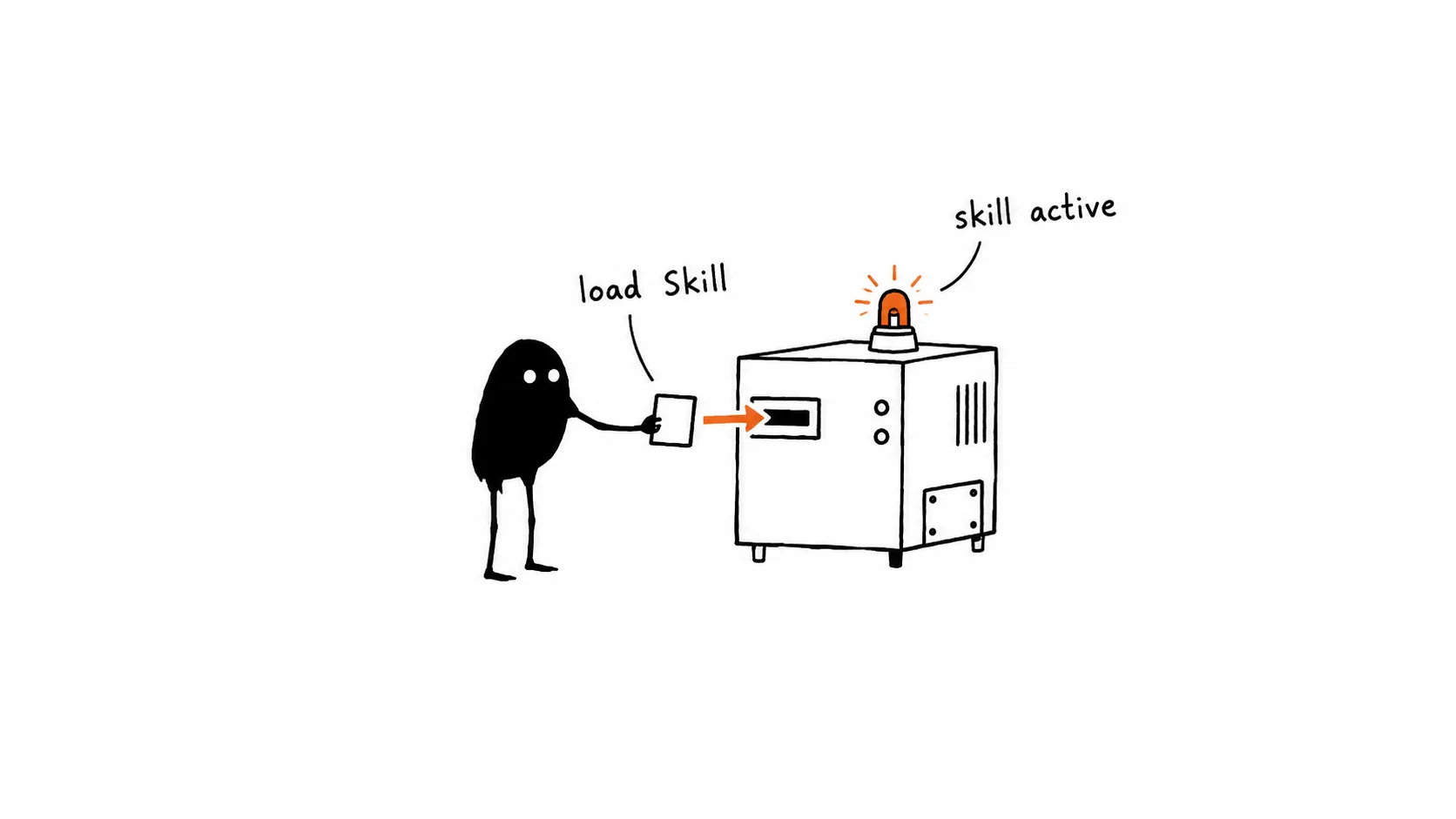
The launch command explicitly names the Skill path, so the Skill is loaded and ready to be called explicitly. That says nothing about the result yet: it does not prove that the next file has already been produced.
Once you are inside Pi, if the /skill: command is available, type the following snippet to force a particular Skill to load; if the command does not appear, first enable Skill commands in /settings, then type it again:
/skill:action-list-review Please re-check input/notulen-rapat.md,
then write the result to output/daftar-tindakan-revisi.md. Do not change the input file; for information that is not in the original source write “not explained in the original source”.
When Pi starts, it only puts the Skill's name and description into the context, while the full description is loaded on demand; the official documentation also warns that the model will not necessarily read it automatically every time, so this lesson uses /skill:action-list-review explicitly. This still does not mean the system will certainly run all the checks for you. Watch whether Pi really reads the input you specified and writes the output you specified; when it is done you still have to inspect the file yourself.
3. Verifying and disabling
After leaving Pi, run in a normal terminal:
test -f output/daftar-tindakan-revisi.md && echo "PASS: review version exists"
grep -c '^## ' output/daftar-tindakan-revisi.md
The first line should output PASS. The second line is there to help count; if your heading format differs, just open the file and make sure there are exactly three items, rather than relying only on this number.
This Skill is not installed into a global directory or a project's automatic discovery directory. When you run pi directly next time, this Skill will not stay loaded just because of this lesson's command. To use it again, include --skill again; to disable it, simply exit Pi this time and do not pass that parameter again.
Where to place it at the project level
Once you understand it and want the same project to find it automatically, put it in .pi/skills/action-list-review/SKILL.md. Project resources are loaded only after the project is trusted. When learning for the first time, use --skill explicitly first so that the origin and scope are easier to see.
Read before installing
Pi Packages run with the current user's full system permissions. Besides executable Extensions, Skills and other resources can also direct the Agent to run commands or cause side effects. Do not trust something just because it is called a “package” or a “community resource”. Before installing, check the origin, the resources, and the installation contents of the whole package.
Hands-on: bundling your own resources into a Package
When the same Skill and Extension need to move to another computer, you can put them into a directory with a package.json. This section assembles the directory and verifies it on one machine only; copying across machines and Git or npm distribution are outside what was actually tested here.
Pi automatically discovers extensions/, skills/, prompts/, and themes/; directories you do not need can be left out. Only when resources sit somewhere else do you need to declare their paths in the manifest's pi field.
1. Assemble and check the materials
In the practice directory in a normal terminal, create another empty directory; if the name already exists, pick a new one and do not overwrite the old exercise. Download the check Extension this book already uses and the action-list Skill:
mkdir bluebook-package-practice
cd bluebook-package-practice
mkdir -p bluebook-package/extensions bluebook-package/skills/action-list-review
curl -fL https://pi.argakuka.com/en/examples/extension/bluebook-check.ts \
  -o bluebook-package/extensions/bluebook-check.ts
curl -fL https://pi.argakuka.com/en/examples/skill/action-list-review/SKILL.md \
  -o bluebook-package/skills/action-list-review/SKILL.md
cat > bluebook-package/package.json <<'JSON'
{
  "name": "bluebook-practice-package",
  "version": "0.1.0",
  "private": true,
  "peerDependencies": {
    "@earendil-works/pi-coding-agent": "*"
  }
}
JSON
The last segment must be copied as a whole, with the closing JSON line on its own. Read both downloaded files first, confirm that the Extension only registers the check command and the Skill contains only the meeting-notes review rules, then continue. The host package Pi provides goes in peerDependencies; do not install another copy into dependencies. This example has no extra runtime dependencies, so there is no need to run npm install in the package directory.
2. Install locally and confirm loading
Still in bluebook-package-practice, run:
pi install --local ./bluebook-package
pi list --approve
pi --approve
pi install should finish without errors and return to the prompt; pi list --approve should list a local source pointing at bluebook-package in the project scope. Confirm it, then enter Pi. --local writes the declaration into the current project's .pi/settings.json; local resources are still read from the original directory, not copied into another one. The --approve here is only for practice resources you have already checked; it explicitly approves loading project resources for this run, and it is not a system sandbox. Do not use it to skip inspecting an unfamiliar repository.
Type / in Pi's edit area; the command list should show bluebook-check and skill:action-list-review. Run /bluebook-check, and a “Buku Pi Extension has loaded” notification should appear. It runs the teaching command directly, does not depend on the model claiming it has loaded, and does not need a model task to be sent.
3. Verify again after removal
Exit with /quit and return to the same directory:
pi remove --local --approve ./bluebook-package
pi list --approve
pi --approve
The list should no longer contain this Package; in a new Pi session, typing / should no longer show the two teaching commands either. If they still appear, first check whether resources with the same names are also loaded through a global install or through -e and --skill. Removing the declaration does not delete the directory you created, so the materials can stay. When the check is done, exit with /quit.
On 2026-10-12, in an independent configuration with Pi 1.1.0, I completed the local installation above, the command-list check, the Extension notification, and the list recheck after removal; npm and Git sources and public publishing were not tested. The full packaging rules are in the pinned Package documentation.
Basis for this chapter
The teaching Skill in the first half keeps its original verification date of 2026-09-09, verified for temporary loading and the skill:action-list-review command list in Pi 0.80.10 on this machine. The version and date for the local Package exercise are recorded at the end of that section; resource locations and Pi commands can change, so the matching official pages are the reference.