
MODULE 03 · STEP 08 · trainable
Context and compaction
What kind of lesson this is
This lesson emphasizes understanding and working habits. You only need to type /compact once the important information has been written to files and you actually want to practice compaction.
After a conversation grows long, you may see the context usage at the bottom slowly rise. For now, context can be understood as "the content the model can refer to at once in this round". It includes the system instructions, project rules, your messages, the model's replies, and tool results.
Context is not permanent memory, and is not the same as the session file on disk. A session can be stored for a long time, but there is an upper limit to the content the model can accept at one time.
Why compaction is needed
Automatic compaction is on by default: when a conversation approaches the model's context limit, Pi can keep the newer messages while tidying the earlier part into a summary. You can also trigger it manually in the interactive interface:
/compactThis command is typed in the edit area at the bottom of Pi; press Return, then wait for compaction to finish. Once the interface returns to a state where it can accept input, ask Pi to repeat the current goal, the decisions already made, and the next step, then compare them with your project files. If you are unsure, do not run it over and over again.
Compaction lets the work continue, but it cannot preserve every detail losslessly. From a very long debugging process, what the model accepts next may only be "A and B have been ruled out, next check C" along with the newest messages. The original earlier entries remain in the JSONL session tree; compaction will not restore or change files on disk. If a precise error, command output, or decision rationale must be preserved, do not let it live only in the context the model accepts next.
Write important results into files
When handling a long task, you can ask Pi to maintain three kinds of work results. The file names below are a working method this book recommends, not fixed files Pi requires:
plan.mdrecords the goal, stages, and unfinished items.decisions.mdrecords the choices already made and their reasons.verification.mdrecords the checking method, the real results, and the problems still remaining.
These files can be read again by you, by Pi, and by the next session. They do not replace Git, but they can prevent an important decision from living only in one of the model's replies.
Create a minimal handover first
In a normal terminal, make sure you are in pi-practice, then create a worklog directory:
mkdir -p worklogReturn to Pi's edit area and give Pi the following task. Here you are not required to actually stretch the session until it is very long; the goal is to obtain a handover file that can be read again.
Please create a handover note for this task in worklog/handoff.md, writing only five sections:
goal, scope, what is done, unsolved problems, next step.
Fill it in based on the current session; for anything unknown write "unknown", do not guess.
When done, read the file back and tell me its path.
Check independently that the file really exists:
test -f worklog/handoff.md && echo "PASS: handover file exists"If PASS does not appear, do not compact yet. Go back to Pi and check the write path; if it still cannot be found, keep the current session, then in a normal terminal run pwd and find worklog -maxdepth 1 -type f to determine whether the file was written somewhere else.
The rhythm of a long task
- Before starting, write the goal and the verification criteria clearly.
- Each time you finish a stage, update the work results and the task list.
- When debugging goes down the wrong path, use
/treeto return to the right node. - Before the context approaches the upper limit, check whether the important information has landed in files.
- After compaction, read the goal, decisions, and verification notes again, then continue.
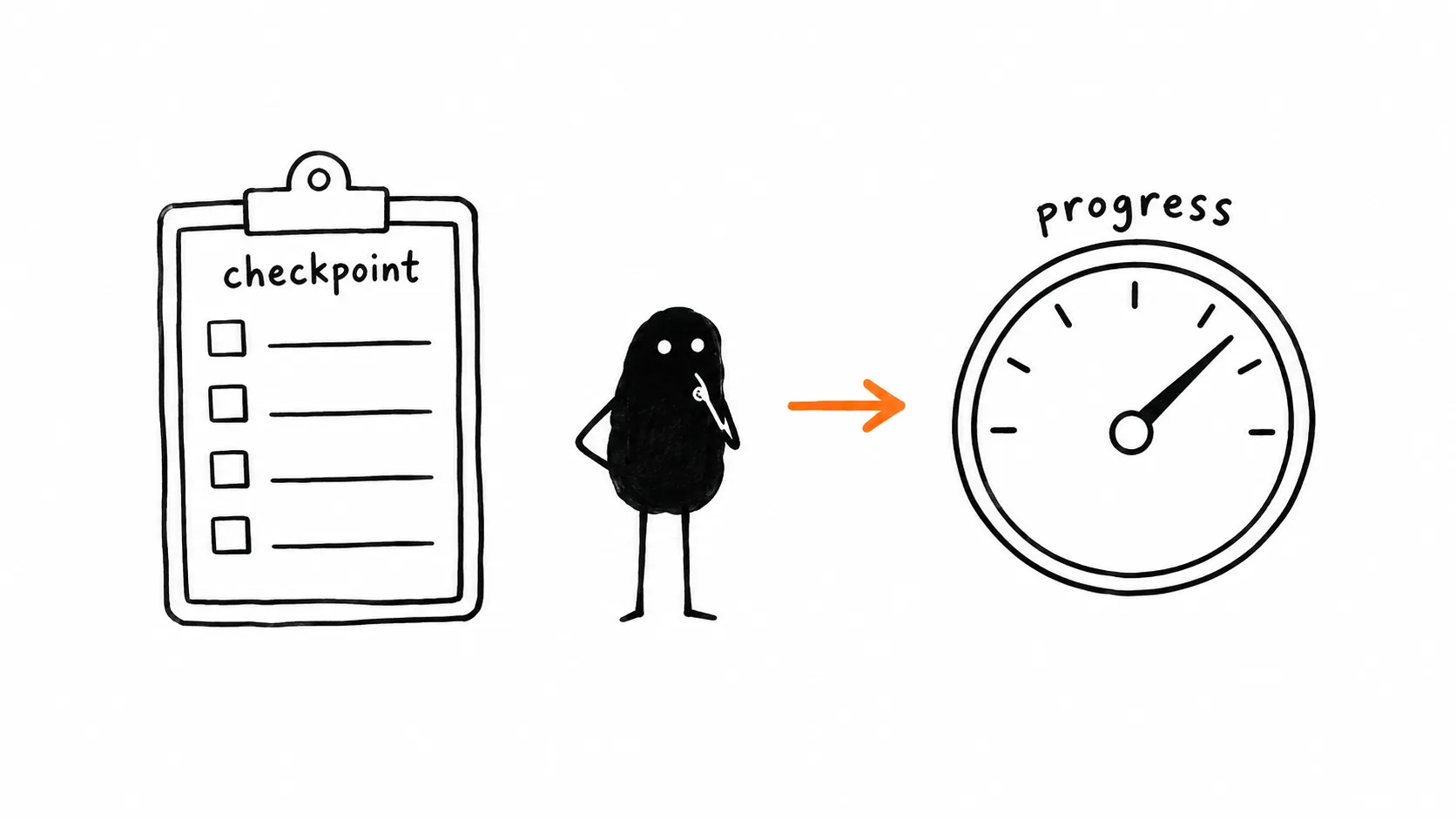
This illustration shows “how to verify after status has been written outside the session”: first compare the input count and the index, then look at the finished files and the failed items recorded in the checkpoint. It can prove that progress notes and on-disk results can be checked independently, but it cannot prove that /compact succeeded; whether compaction finished still has to be judged from Pi returning to a state where it can accept input, plus the re-check through a repeat after compaction.
When you really want to practice /compact
Only when worklog/handoff.md exists, and the goal, scope, and next step in it match your understanding, type in Pi's edit area:
/compactAfter compaction finishes and Pi is waiting for input again, send:
Please read worklog/handoff.md first, then state the current goal, the scope that must not be violated,
what is done, and the single next step. If the session's memory conflicts with the file, use the file as the basis for checking and state the conflict.
Compaction will not cancel or restore files on disk. If the command reports an error or takes a long time to return to a state where it can accept input, stop repeating, save the error text and the current handoff.md; after relaunching and restoring the session, rebuild the context from the files first.
Verifying this lesson
- You can confirm that
worklog/handoff.mdexists in a normal terminal. - The file clearly states the goal, scope, what is done, what is still unknown, and the next step, without patching gaps with guesses.
- You can explain clearly: a session is used to find the conversation again, context is the content the model can refer to in this round, while files or Git are work results that can be checked and restored independently.
- If you perform compaction, the repeat after compaction is consistent with the handover file; if there is a conflict, that conflict has been stated clearly.
Companion experiment: really comparing before and after compaction
After completing the minimal handover in this lesson, go to CASE 02 · Before and after compaction. There you will find a fixed brief, a disk checkpoint, notes from before compaction, answers from memory after compaction, and recovery notes after re-reading; you do not need to add a new lesson, and the cache numbers are not treated as task quality.
An easily overlooked difference
Session portability, context compaction, and file version management are three different problems. If you want to continue the conversation, mind the session; if you want to continue the model's current line of thought, mind the context; if you want to restore files, use Git or backups.
We suggest you continue reading the officially licensed translations How Compaction Works in Pi and The Session you cannot take with you to understand the compaction process and session portability side by side.
If you want to connect sessions, prompt cache, and editable context in one line of thought, you can read translation series.