
AGENT ROUTES · Different choices within the Pi family
Not only Pi: how to choose OMP and Selesai Code
If you can already finish one task with Pi, the next step is not necessarily to keep installing plugins for Pi. Two branch projects of Pi—OMP (Oh My Pi) and Selesai Code—keep the basic shape of a terminal Coding Agent, but give different answers to “how much capability should be built in”. This page helps you judge which path fits the task at hand; the 14 hands-on lessons in this book still take original Pi as their reference point, and the commands, interfaces, and configuration below cannot be applied straight back to Pi.
This article was verified on 14 September 2026, based on the official Pi documentation, the OMP project description, and the Selesai project description. Features and installation methods change quickly; when you actually try them, follow each project's documentation and terminal help at that time. What follows are personal recommendations by use case; all links point to the projects' official material and do not imply endorsement by the projects.
First, look at how they relate: they are not three models
“Original Pi” as used on this page means the Pi Coding Agent you run with the pi command, the official terminal application this book actually teaches you to install; it is not the separate pi-agent-core package called by developers. The difference between Pi and Pi Coding Agent explains this relationship first, before comparing the two forks below.
Pi, OMP, and Selesai Code are all Agent tools, not subscription packages that provide model quota. The model understands and generates, while the Agent connects the model's replies to local files, commands, and sessions. Whether you can use a given model in one of the tools depends on the Providers that tool currently supports, your login or API Key, and the billing rules of the relevant account; the same model name also does not mean the three tools have exactly the same tools and workflows. How to access models and cost limits discusses this separately.
- Original Pi Coding Agent is the main path. By default it starts with a few basic tools, and leaves workflow capability to Skill, Extension, and Package. Pi's design explanation states that Subagents, plans, todos, and the like are not core features that must be built in.
- OMP explicitly labels its repository as a Pi fork. It integrates capabilities such as LSP code navigation, debugging, structured editing, a browser, Subagents, and code review into its own tool interface; its direction is closer to “an Agent carrying a whole IDE inside the terminal”.
- Selesai Code is also explicitly a Pi fork. It keeps Pi's core interaction while packaging and releasing Subagents, web research, session handoff, recovery tools, skills, and a terminal interface; its direction is closer to “install once and immediately have a collaborative workflow”.
Neither is an official upgraded version of Pi, and neither is a plugin installed inside Pi. Treat both as standalone Agent choices, then look at each one's commands, settings, and update notes.
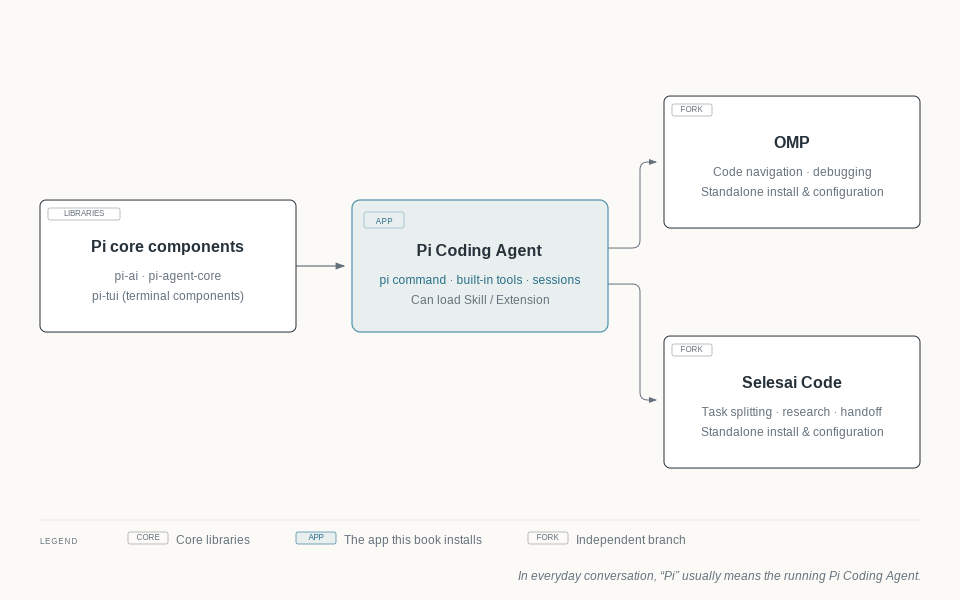
Diagram: what this book installs is the Pi Coding Agent in the middle; its core libraries do not need to be installed separately, and the two forks on the right are not plugins dropped into Pi either. When reading on a phone, you can swipe the image left and right, or open the original image to enlarge it.
Understanding the main differences at a glance
When reading on a phone, you can swipe the table below left and right to see the OMP and Selesai columns; the next three subsections also explain each path.
| What you want to compare | Original Pi | OMP (Oh My Pi) | Selesai Code |
|---|---|---|---|
| Product orientation | A lean core, extended on your own as needed | More code tools and direct execution interfaces built in | Ships extensions, skills, and a collaborative workflow in one package |
| Starting point for beginners | Learn files, commands, sessions, and verification first | Understand tool selection, permissions, and code workflow first | Understand when built-in flows turn on and when handoff happens first |
| Multi-Agent | You can use community extensions or build your own; not included by default | Ships Subagents and a task-coordination entry point | Ships foreground, background, parallel, or chained Subagent division of work |
| Code work | Relies on basic tools and extensions as needed | Emphasizes providing LSP, debugging, structured search and editing | Keeps Pi's core tools, provides code-context extensions that need a graph built first |
| Research and recovery | Can be supplemented through extensions; the session tree, fork, and compaction are already there | Ships built-in capabilities such as web search/reading, a browser, task coordination, and memory | Packages web research, public code search, session handoff, undo, and optional checkpoints |
| Who it suits best | People who want to understand the basics of Agents, stay simple, or assemble things themselves | People who often navigate, refactor, and debug in code repositories | People who want to choose few plugins and try an all-in-one workflow right away |
This table compares the product shape each project provides by default, not the upper limit of its capability. Pi's extension ecosystem can also realize many similar needs; while the built-in items of OMP and Selesai, their default switches, and their actual form have to follow each version. Pi design principles · OMP feature description · Selesai feature comparison
Path one: keep using original Pi
If you are still practicing “getting the Agent to find the right directory, change the right file, and hand over a result you can check”, I still recommend finishing your first task and files and working directory on original Pi first. With few basic tools, it is easier to see clearly: which step is the model's judgment, and which step actually changes the disk through a tool. When you need a Subagent, web research, or a custom UI, then add one extension you have already reviewed for the task. That way you know what problem the new capability solves, and you can narrow the search scope when an error occurs.
Original Pi is not a feature-starved version: it already has infrastructure such as model switching, session storage, branching and compaction, Extensions, and Skills. Workflows that are not built in are often deliberately left to users by the author to combine, not because they cannot be done. Official Pi usage guide
Path two: OMP, with more emphasis on code tools
OMP's most striking difference is its interface for understanding and executing code. Its official README presents features such as LSP navigation and rename, DAP debugging, structured search and editing, browser operations, the Subagent panel, and multi-model roles. For people who often find definitions in large code repositories, refactor across files, and trace runtime failures, this entry point can reduce the work of installing and wiring up tools yourself. OMP project description
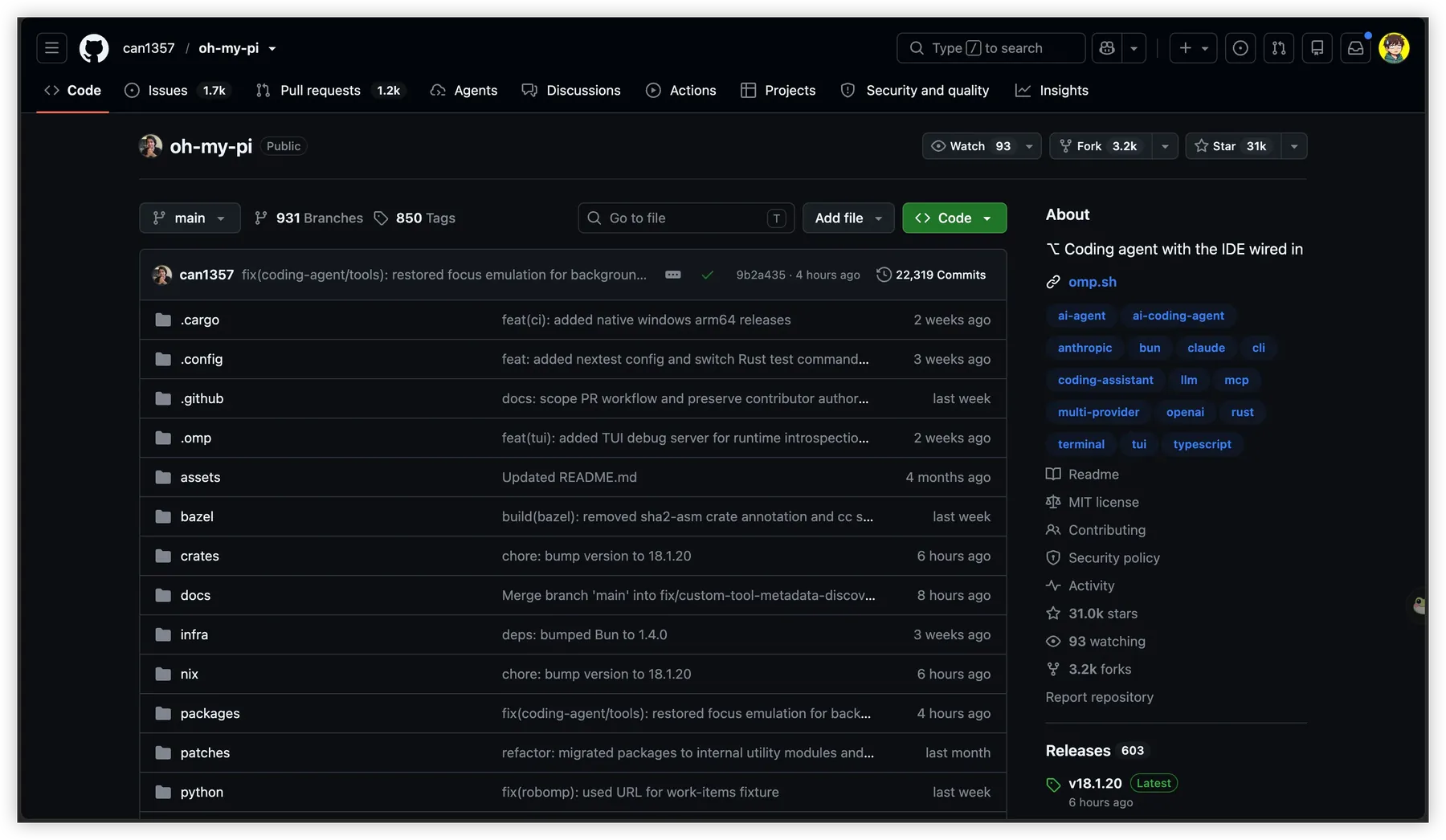
Screenshot of the OMP repository page (14 September 2026). The repository name and project entry points can be matched from here; stars, versions, and activity times will keep changing. View the full image.
The price is a broader learning scope: more tools do not automatically make a task more reliable. You need to see clearly whether a call only reads, proposes a change, or has already written to disk; the results of Subagent division of work still have to come back to the original requirements, tests, and diff review. The performance figures in the OMP README are the project's own statements for specific tasks and versions, and you cannot directly conclude that your own model, project, or cost will get the same result.
OMP is the standalone command omp. Its official documentation currently lists macOS/Linux install scripts, Homebrew, Bun, and a Windows PowerShell path; Mac readers can look at the official installation section first, then choose a method that fits. OMP's own user settings usually live in ~/.omp/agent/, and project resources in .omp/; do not copy the .pi/ steps from this book straight over. OMP configuration description
I would recommend OMP in these situations: You can already review an Agent's changes, you often need code navigation, debugging, or parallel review, and you are willing to learn more built-in tools. If this is your first time asking an Agent to tidy up files, running the original Pi path first makes it easier to judge whether the tool genuinely helps.
Path three: Selesai Code, with more emphasis on an all-in-one workflow
Selesai's core choice is maintaining and releasing one set of capabilities together. Its official comparison page lists Subagent division of work, web research, public code search, session messages and handoff, persistent memory, the terminal display, and more as capabilities provided together with the product. Readers do not need to pick many plugins from scratch to try the flow “research → division of work → execution → review → handoff”. Selesai feature comparison
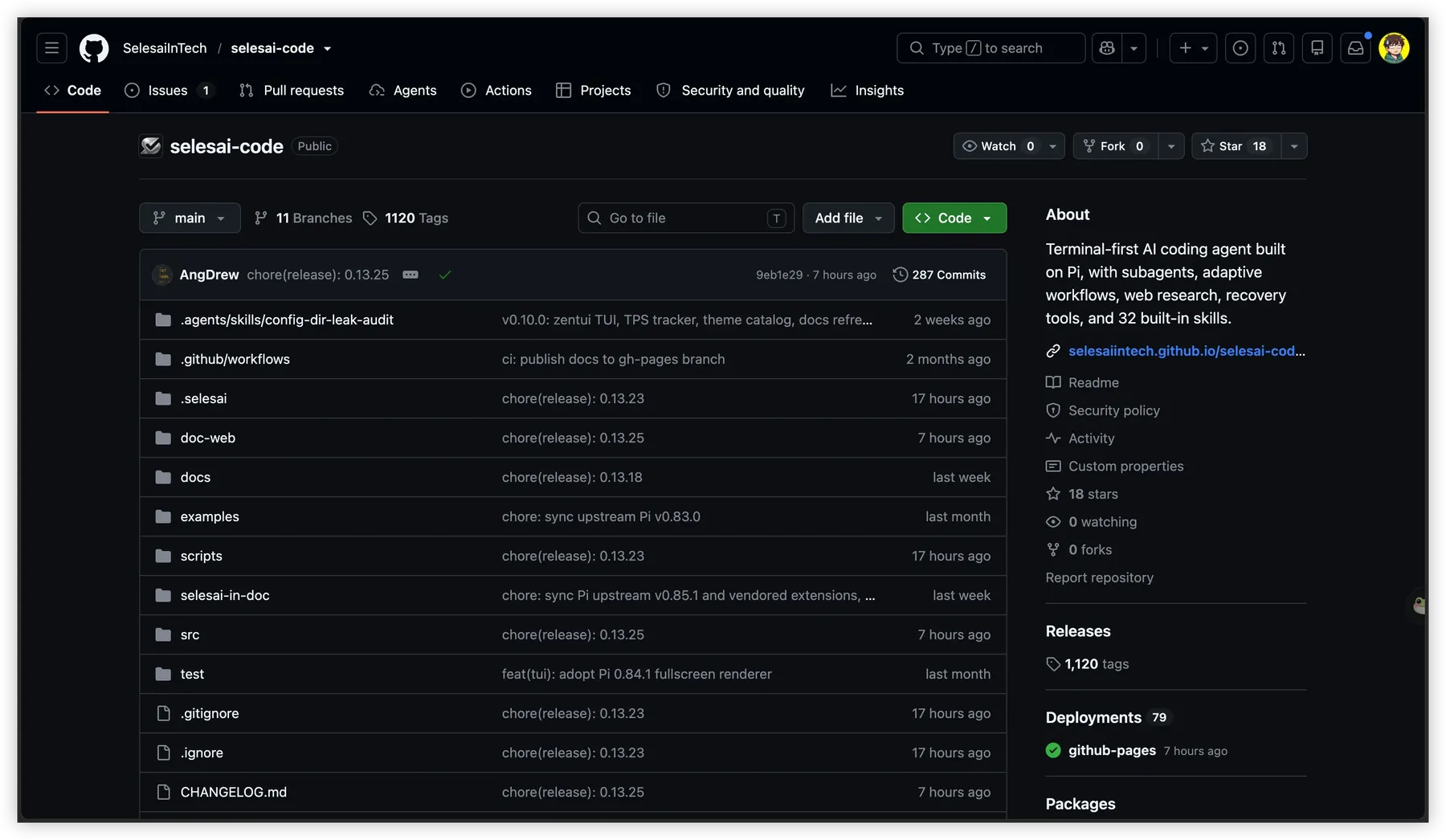
Screenshot of the Selesai Code repository page (14 September 2026). The repository name and project entry points can be matched from here; stars, versions, and activity times will keep changing. View the full image.
The emphasis differs from OMP: Selesai focuses more on one coordinated set of extensions and skills, and on the continuity of long sessions. For example, /handoff-new is used to produce an editable handoff prompt, and /undo is used to cancel edit and write changes that can be traced on this turn; it flags Bash commands that might change files, but does not automatically undo the effects those commands produced. The official documentation also marks git-backed rewind checkpoints as an optional capability, which should not be written as enabled by default. Selesai undo limits · Feature list
Selesai's release package is @selesai/code, and the command to run it is selesai. The official documentation recommends installing through npm; user-level state lives in ~/.selesai/agent/, and project resources in .selesai/. It supports its own Provider configuration, and also offers optional token.in model access; using Selesai does not require buying token.in, and whether existing model credentials work still has to be checked point by point. Official getting-started guide · Project README
I would recommend Selesai in these situations: You already know how to set stop conditions and verification standards for a task, but you do not want to assemble many extensions by hand, and you want to try a workflow that unifies multi-Agent work, research, and handoff right away. When the task is simple, enable only the capabilities you need at that moment, so that the division of work itself is not mistaken for a result.
How to choose so the three tools do not become a burden
- Determine the task first. For beginner-level file tasks and understanding the Agent Loop, choose Pi; for cross-file code navigation, refactoring, or debugging, try OMP; for staged research, division of work, and long-session handoff, try Selesai.
- Try one new tool at a time. Use a practice directory that contains no personal material, compare with the same model and similar tasks, so that differences in model quality are not mistakenly judged as differences between Agents.
- Compare only the visible results. Note what the tool actually read and wrote, whether the requirements were met, how many calls or how much quota were used, and whether errors can be recovered. A busier-looking interface does not mean the result is more accurate.
- Check cost and permissions separately. All three may run local commands and read files; buying a model package also does not automatically give every Agent the same login permission. Check the selected Provider and credentials first, use an isolated environment for sensitive projects, and review the final diff. Pi security description · Selesai security boundaries
A reusable comparison task
On the same copy, ask all three Agents to complete the following task: “First tell me how to run the checks in this project; read only, do not change files, do not run installation or tests. List the files you actually looked at and your basis for them.” Check first whether the answer refers to real files, then decide whether to allow the next step. On the second turn, give a small repair task, run the tests independently, and compare the final diff. This comparison only helps you judge the experience of using these versions and models today, not a general ranking of performance.
To keep understanding where these differences come from, read How Pi works and How Subagents divide work; to actually switch tools, first open the official OMP repository or the official Selesai getting-started page to check the current version.