
CASE 04 · Trainable
Loading a minimal Extension
Result
Load bluebook-check.ts explicitly, run /bluebook-check and see the expected notification, then confirm that the Extension is already disabled by running Pi without -e.
Fixed materials
- Extension: download bluebook-check.ts
This code does not read or write files and does not access the network; it only registers one command. Still read the whole thing first, because every Extension runs with the user's permissions from the Pi process.
1. Download and Review
cd ~/Downloads/pi-practice
mkdir -p bluebook-examples
curl -fL https://pi.argakuka.com/en/examples/extension/bluebook-check.ts \
  -o bluebook-examples/bluebook-check.ts
sed -n '1,160p' bluebook-examples/bluebook-check.ts
Windows users should change the first line to cd ~/pi-practice. The real file should contain only one import, a default function, and registerCommand, with no network or file operation; stop if its content does not match.
2. Load and Run
Run in an ordinary terminal:
pi --no-extensions -e ./bluebook-examples/bluebook-check.tsOnce inside Pi, type:
/bluebook-checkThe expected Pi interface notification is "The Buku Pi Extension has loaded; this command does not read or modify any files.".
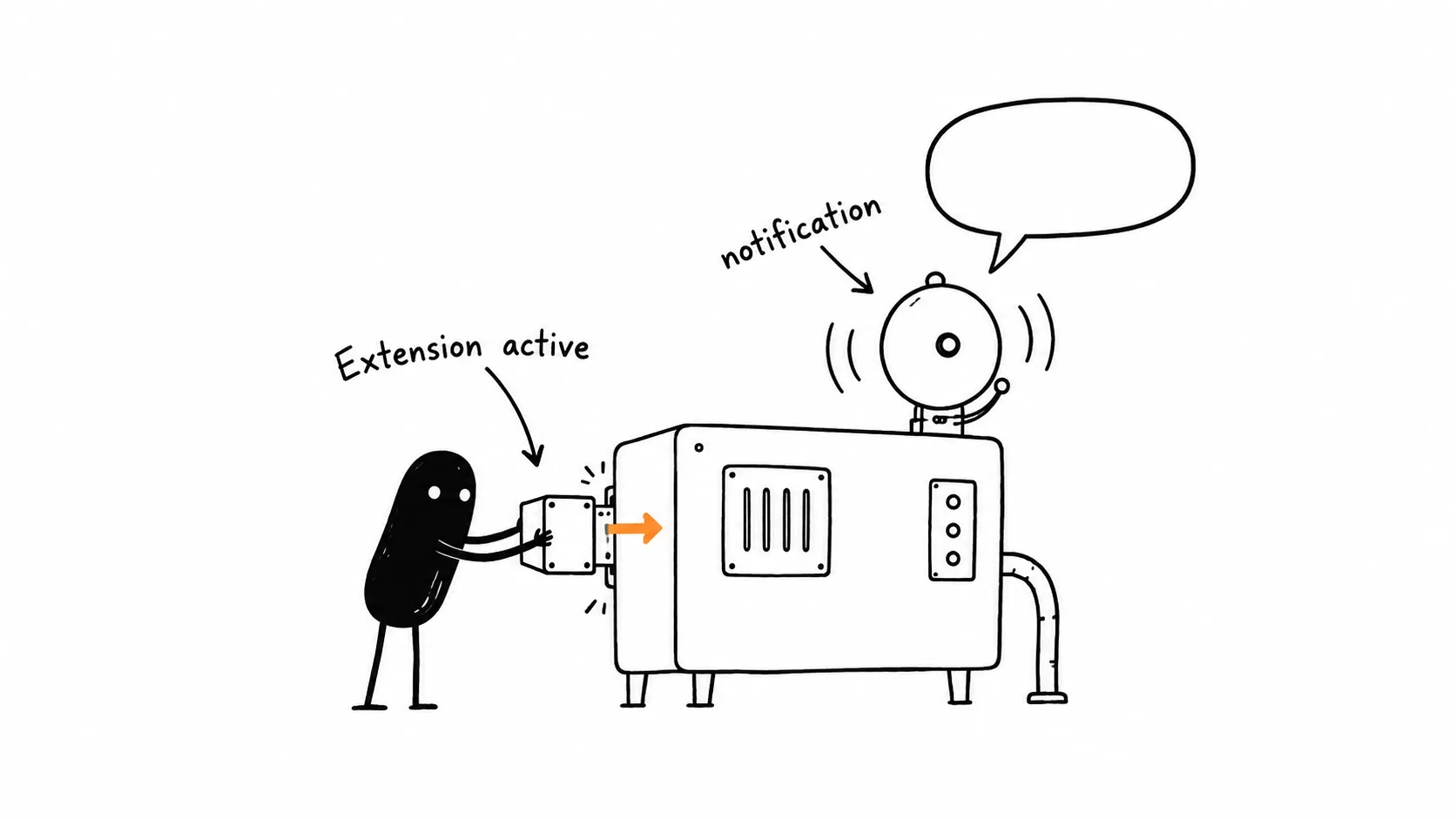
Once that fixed notification appears, only half of “load and run” is done; this case study also asks you to exit, then run again without -e to confirm that the command is gone.
3. Disable
Type /quit to return to the ordinary terminal, then run:
pi --no-extensionsAt this point /bluebook-check should no longer appear. If it still does, check whether this run still carries -e, and whether the project or user Extension directory holds another file with the same name; do not delete a file whose source you do not know.
Lesson 11 continues the explanation of why desktop notifications need real system evidence; this case study only verifies the loading, execution, and disabling of a minimal command.
Key Symptoms
The same command appears only when the learning Extension is passed explicitly, and disappears after you exit and run again with --no-extensions. This comparison proves the load-and-disable chain this time, not that any system notification actually appeared.
Independent Verification
- After
pi --no-extensions -e <file>runs, the command can be executed and shows a fixed notification. - After running again without
-e, the learning command is no longer available. - A load error can be recovered by not loading that file; the practice materials and the session do not need to be deleted.
One More Step: Turn It into Your Own Command
Copy the original file, and keep a baseline you can compare:
cp bluebook-examples/bluebook-check.ts bluebook-examples/bluebook-check-custom.tsOpen the new file and change only two places: change the command name in registerCommand to bluebook-check-custom; change its notification text to "Custom check finished; go ahead and keep checking the actual work." Do not add any file, network, or system operation.
Exit the old process first, then load the copy:
pi --no-extensions -e ./bluebook-examples/bluebook-check-custom.tsRun /bluebook-check-custom in Pi, and you should see your own new text. The old command /bluebook-check should not be registered in this run's command list. After exiting, run again with pi --no-extensions, and both learning commands should not be registered.
Compare the two differences before and after the change: the command name determines how it is called, while the notification text determines the observable result. A real desktop notification still needs a system interface and foreground/background logic; see the further limits in Lesson 11.
Failure Recovery
Save the complete load error together with its file path. Do not copy the file into several automatic discovery directories and retry over and over; first return to a clean state with --no-extensions, then review the downloaded content again.